
AI visual workspace
Design spaces with AI, without losing control
From landscapes and interiors to product placement and moodboards, turn visual intent into editable renders in seconds.
Loading...
Turn 3D model screenshots into realistic renders with light, texture, and atmosphere.
Turn daylight renders into evening, blue-hour, and night scenes without re-rendering the model.
Turn technical floorplans into styled 2D visuals with material zones, color palettes, and finishes.
Edit finished renders with prompts, masks, markers, scene changes, cleanup, and enhancement.
Combine an empty room with a moodboard and furnish the space with selected furniture, decor, and materials.
Render furniture concepts, compare finishes, and keep material variations connected on the canvas.
Turn 3D model screenshots into realistic renders with light, texture, and atmosphere.
Turn daylight renders into evening, blue-hour, and night scenes without re-rendering the model.
Turn technical floorplans into styled 2D visuals with material zones, color palettes, and finishes.
Edit finished renders with prompts, masks, markers, scene changes, cleanup, and enhancement.
Combine an empty room with a moodboard and furnish the space with selected furniture, decor, and materials.
AI visual workspace
From landscapes and interiors to product placement and moodboards, turn visual intent into editable renders in seconds.
Supports designs from CAD, 3D modeling, and visualization tools
JPG and PNG exports work instantly
 SketchUp
 Autodesk
 Blender
 Rhinoceros
 Archicad
 Vectorworks
Go beyond one-shot AI renders. Plaicio gives you a visual workspace to explore, branch, edit, and track every design decision from first concept to final image.
Start with a room, sketch, moodboard, or render. Branch into new directions, place markers, adjust styles, change materials, and keep every step traceable on your canvas.
The editor brings source images, masks, scene changes, styles, engines, prompt recipes, enhancement, 2D controls, and results into one focused production surface.
Built for real projects
Editor lanes
Every phase stays part of the same visual story.
Show progress, not just the final render.
Guide what changes and what stays consistent.
AI-generated previews across outdoor spaces, interiors, and product staging.
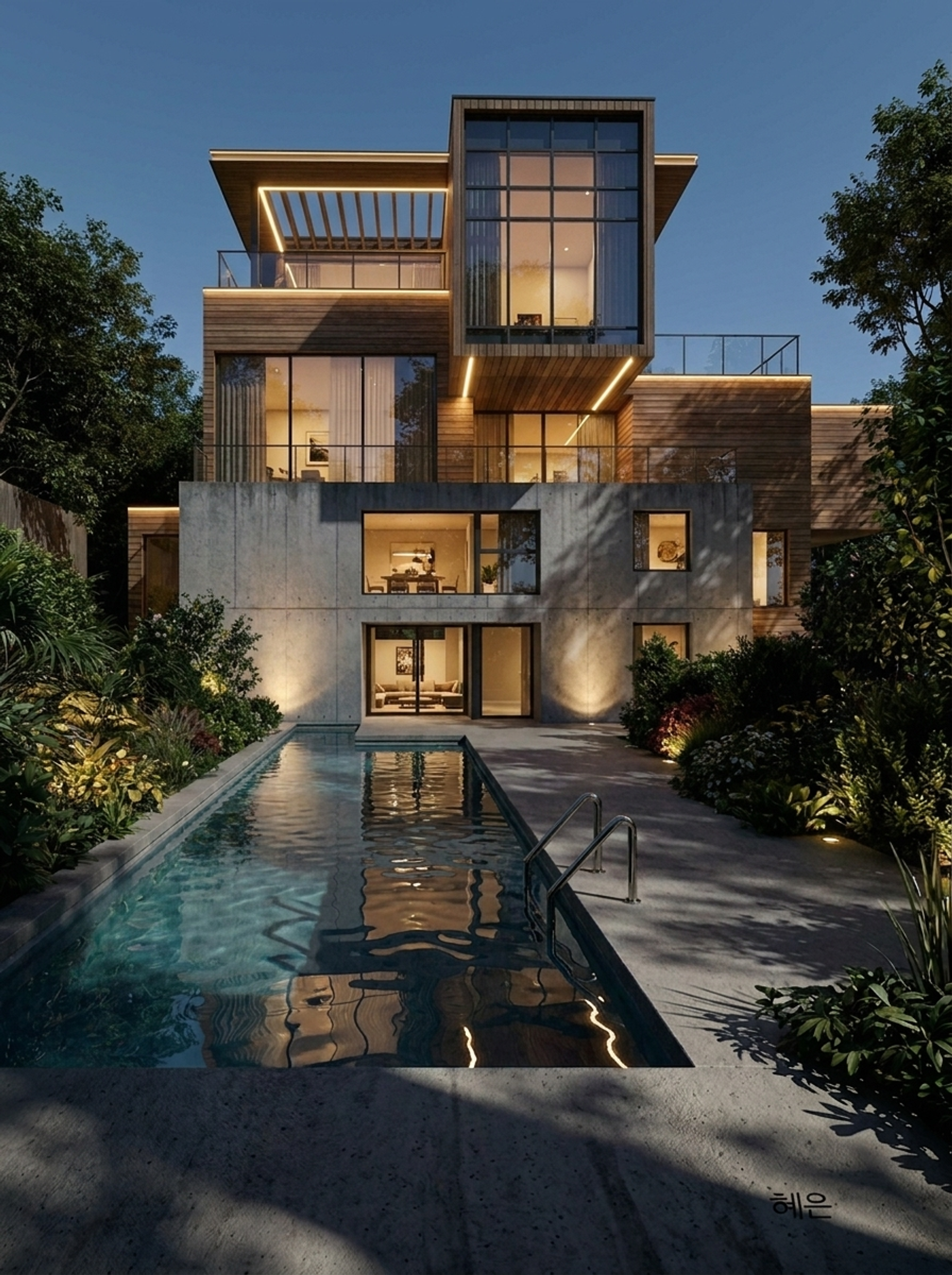

Start from a hand-drawn concept and explore realistic material, lighting, and atmosphere treatments without rebuilding the scene.


Render chairs, tables, decor, and product details from a sketch or source image, then compare material references and finish directions on the same canvas path.
.png)
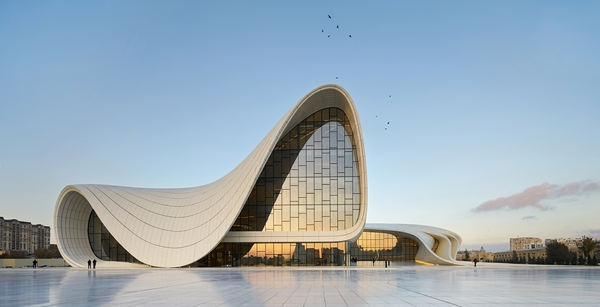
Use a source visual as the spatial anchor, then explore bold graphic directions or clean white-model studies for different review moments.
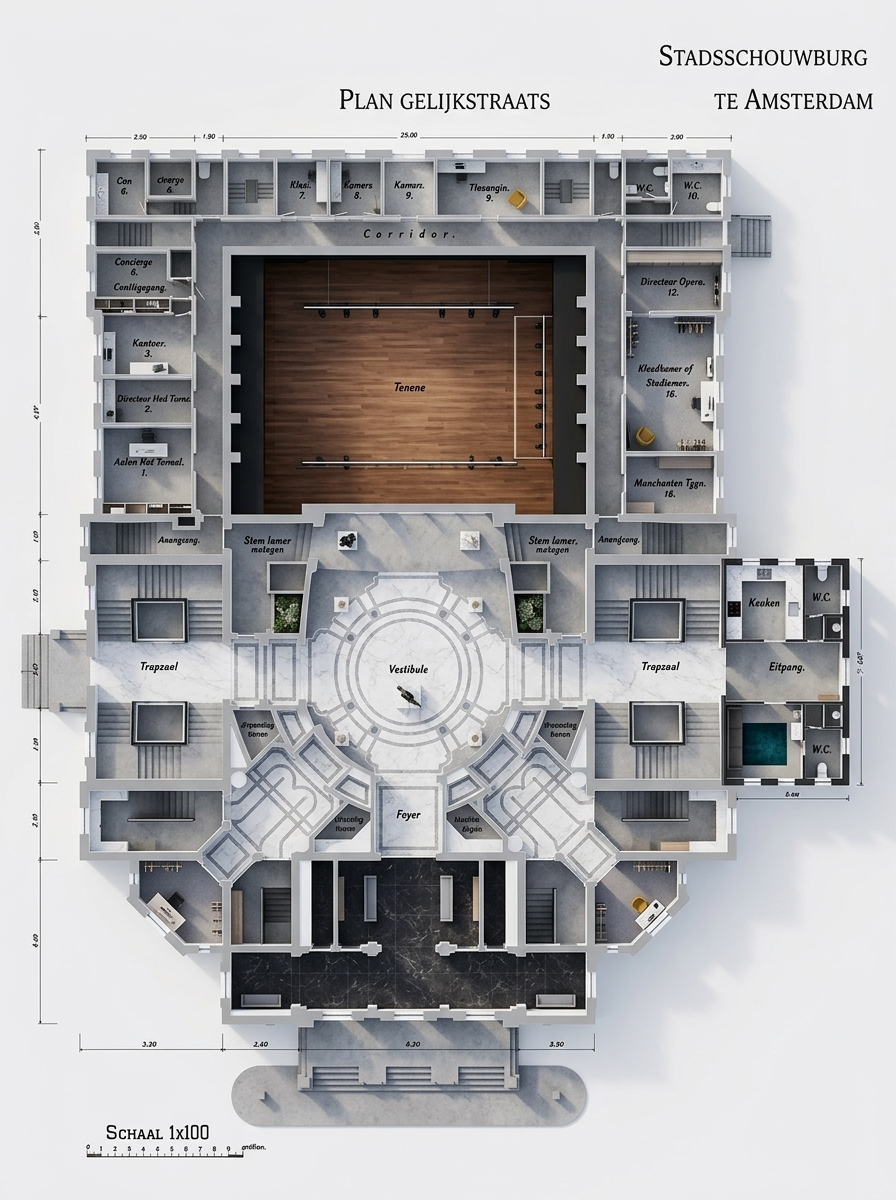

Turn a 2D plan into a rendered plan that communicates structure, materials, atmosphere, and circulation at a glance.


Run Plaicio AI or Magnific-powered enhancement passes to upscale low-resolution exports, clean noise, restore texture detail, and keep the improved result attached to the same visual branch.
Three steps. Real images. No design skills required.

Start with any photo — interiors, outdoor areas, commercial venues, or empty rooms.


Pool table
Linked asset
 Pool table
Drop markers where you want objects. Link real product photos or let AI interpret freely.

AI generates multiple realistic variants. Pick your favorite, refine to HD, and share.
Plaicio is no longer just a quick image generator. It is a structured studio for planning, sourcing, prompting, rendering, and managing visual design work from first reference to final export.
Instead of forcing every story into one homepage block, Plaicio can now surface core capabilities as their own landing pages from both the menu and the landing page itself.
Plaicio is moving toward a richer visual workflow: more ways to present work, more help from the AI, and more creative control around every scene.
From homeowners to professionals — one tool that works for everyone who plans, designs, or presents spaces.
Homeowners
See exactly how your garden, terrace, or room could look before spending money. Test ideas, compare layouts, and avoid costly mistakes.
Professionals
Turn rough ideas into realistic visuals in seconds. Perfect for proposals, client presentations, and faster decision-making.
Start free, generate realistic ideas, and upgrade when you need more credits, storage, or higher-resolution outputs.
Credits
Used for AI generations, realistic renders and refinements.
Storage
Covers your workspace projects, uploaded assets and saved renders.
Higher plans
Unlock higher resolutions, more storage, and extra flexibility.
Explore Plaicio
For creative individuals
For professionals & agencies
For teams with heavy rendering
Base range
0.9-2
credits / render
4K output
Premium models cost more at higher resolution
Base generation cost
Depends on the selected AI model at 1K/2K
Additional variants
Added on top of the base generation cost
Refinement pass
Depends on the refinement provider in use
High Quality mode
Available on Pro and Business
Paid workspaces can top up from the dashboard when a project needs extra variants, refinement, or 4K output.
€21.99
100 credits
€0.22 / credit
Starter pack
€52.99
250 credits
€0.21 / credit
Save 4%
€99.99
500 credits
€0.20 / credit
Save 9%
€189.99
1000 credits
€0.19 / credit
Save 14%
Purchased packs stay available for active subscribers and sit on top of the monthly workspace balance.
Everything users usually want to know before choosing a plan, buying extra credits, or scaling up rendering usage.
Need a custom setup?
Business teams can combine higher limits, extra credits, and tailored workflows without changing how the platform feels for everyday users.
Start for free. No credit card required.
Render furniture concepts, compare finishes, and keep material variations connected on the canvas.
visual direction
placements
editable flow
Used for architecture, interiors, landscape concepts, product staging, and client-ready design previews.
Workspace modules
Max output
To start
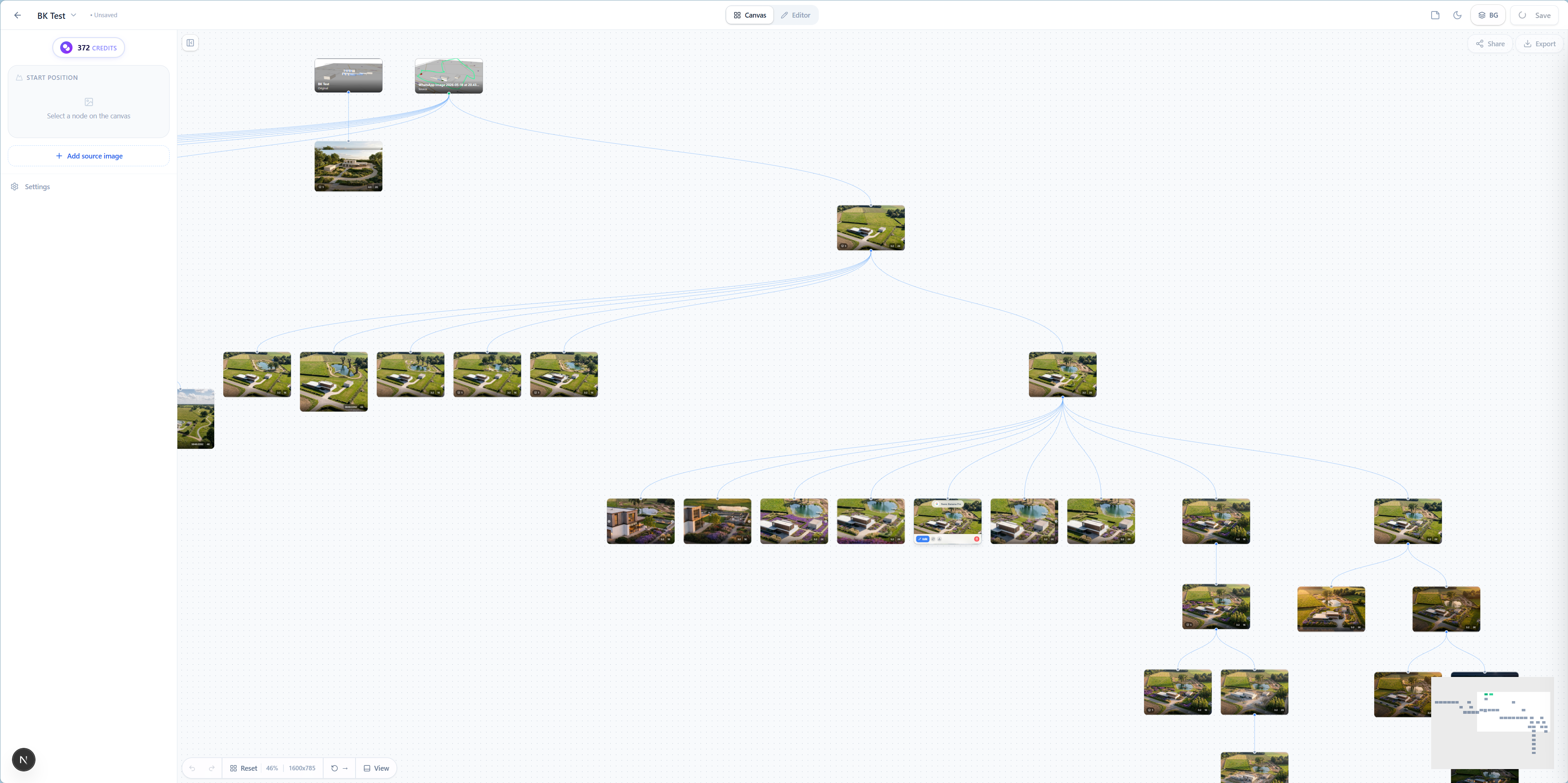
Spin out alternatives from any room, source image, or approved render without losing the path that got you there.
Use markers, source images, and focused edits to steer the scene instead of hoping one prompt gets everything right.
Test styles, material swaps, and atmosphere changes while keeping each decision visibly tied to the right branch.
A redesigned editor for masking, placement markers, scene controls, variants, and realistic object integration in one focused workspace.
Recover weak spots, sharpen local detail, and improve selected areas without rerendering the entire image.
Generate cleaner planning-style visuals while keeping the same project context and source scene.
Build reusable material references for floors, walls, finishes, furniture, outdoor surfaces, and product styling.
Manage brand marks for client presentations, product staging, branded previews, and consistent visual identity.
Collect visual directions, style references, color stories, and atmosphere boards before generating final scenes.
Save prompt recipes, reuse proven scene instructions, and keep generation language consistent across projects and teams.
Compare variants, preserve iteration history, and continue from the strongest visual branch.
Control workspace billing, storage, team access, defaults, and account preferences from a single settings area.
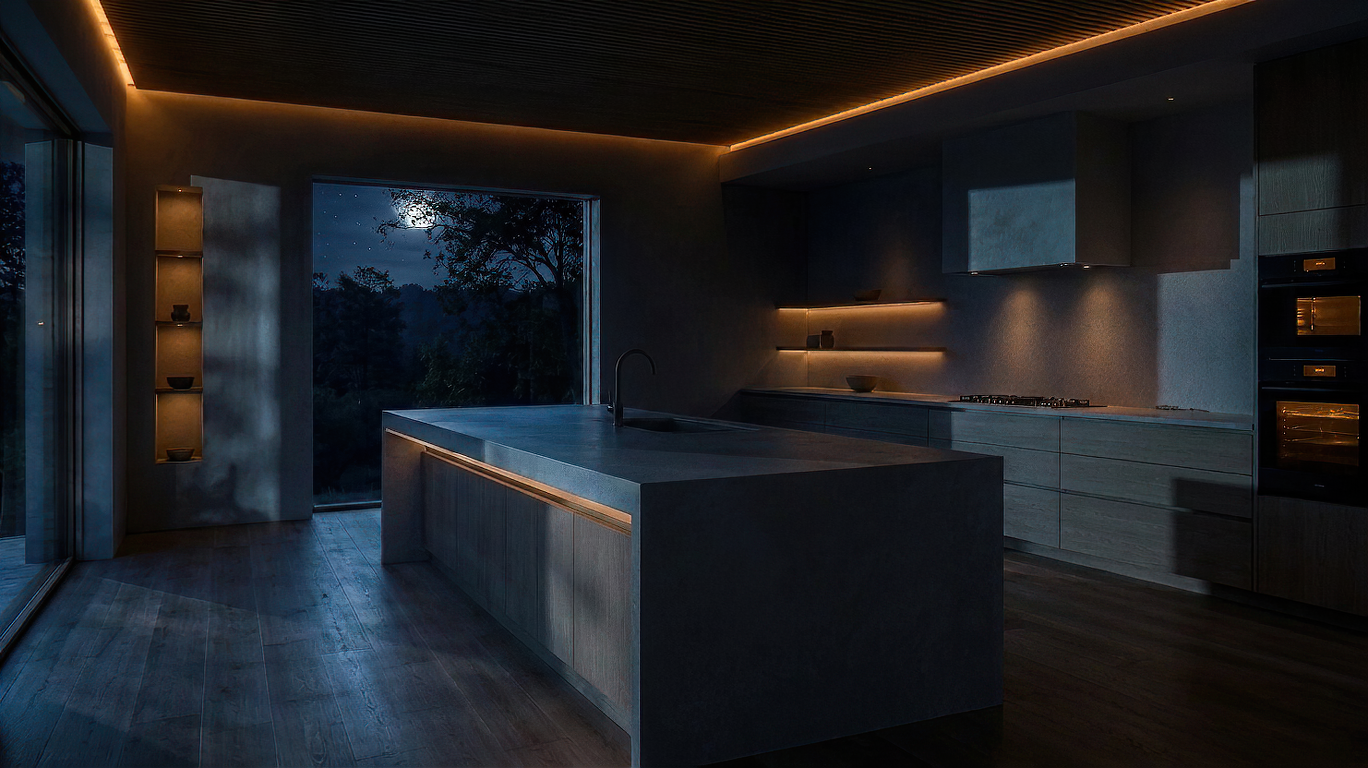
Transform a bright daytime render into moody night, evening, or blue-hour visuals while keeping the same design and composition.
A curated gallery for standout Plaicio renders, workflows, and visual experiments from the community.
Turn a strong still render into a short atmospheric motion preview for presentations and social content.
Sharper detail recovery, cleaner textures, and more reliable high-resolution polish for finished visuals.
Generate better prompt starting points from your source image, intent, style, and selected workflow.
A broader library of architecture, interior, landscape, and presentation styles for early design exploration.
More workflow shortcuts, collaboration improvements, and canvas features are being shaped around real use cases.
Explorers & Creators
Try different styles, layouts, and assets. Generate multiple variations and discover what works best for your space.
Real Estate
Help buyers visualize what a space could become. Increase engagement and perceived value with realistic transformations.
DIY & Renovators
Place pools, furniture, or structures and instantly see how they fit. Make smarter decisions before starting work.
Students & Learning
Understand design principles by applying them to real spaces. Perfect for architecture, interior, and landscape students.
"Move from rough scene input to polished visual direction without leaving the design workflow."
Plaicio accepts image exports from the tools teams already use, then adds project structure, material references, placement controls, prompt recipes, and render history.
Return to any step, compare outcomes, and keep the whole design story ready for client review or the next revision.


